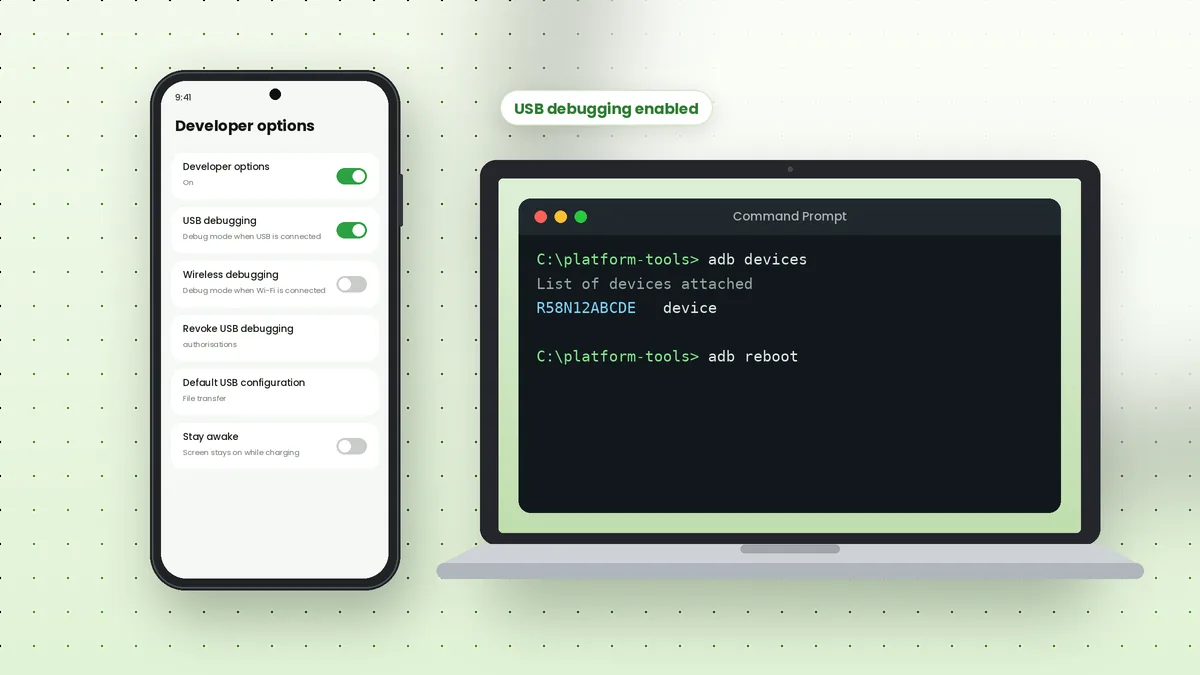
Adb tool Samsung setups follow the standard Android process, but Galaxy phones hide a few settings in different places and add security features that can block USB commands. Knowing where those options live saves a lot of trial and error on the first connection.
Enable Developer Options on a Galaxy Phone
Samsung places the Build number one level deeper than many other brands. Open Settings, tap About phone, then tap Software information and find Build number near the bottom.
Tap Build number seven times. Enter your PIN or pattern if asked, and a message confirms that Developer mode is on. A new Developer options entry then appears at the bottom of the main Settings list.
Turn On USB Debugging
Open Settings, scroll to Developer options and switch on USB debugging. Confirm the warning dialog. While you are there, a few related settings are worth knowing.
- Wireless debugging lets you pair over Wi-Fi without a cable
- Revoke USB debugging authorisations clears every trusted computer
- Default USB configuration chooses what happens when a cable is attached
- Stay awake keeps the screen on while charging during long sessions
Install the Samsung USB Driver on Windows
Windows usually needs the Samsung Android USB Driver before ADB can see a Galaxy phone. Download it from Samsung's developer website, run the installer and restart your computer if prompted.
macOS and Linux do not use this driver. On Linux, make sure your user has USB access through udev rules, which distribution packages for Android tools often provide.
| Computer | What Galaxy phones need |
|---|---|
| Windows | Samsung Android USB Driver |
| macOS | No extra driver in most cases |
| Linux | udev rules allowing USB access |
Connect and Authorise Your Computer
Unlock the phone, connect the cable and run the command below. A dialog appears on the phone showing the computer's RSA key fingerprint.
adb devices
Tick "Always allow from this computer" and tap Allow. Running the command again should show a serial number followed by device. Our Windows setup walkthrough covers the PATH step if adb is not recognised.
When a Security Feature Blocks ADB
Recent One UI versions include a feature called Auto Blocker, found under Settings, then Security and privacy. When it is on, it can block commands sent over a USB cable, which stops ADB even with USB debugging enabled.
If your Galaxy phone charges but never shows the authorisation dialog, check this setting and turn it off while you work with ADB. Switch it back on afterwards if you prefer the extra protection.
Useful ADB Tasks on Galaxy Phones
Once connected, Galaxy phones respond to the same commands as any Android device. These are popular with Samsung owners.
adb shell pm list packages | grep samsunglists Samsung packagesadb shell pm disable-user --user 0 package.namedisables an app for the current useradb reboot recoveryrestarts into recovery modeadb exec-out screencap -p > screen.pngsaves a screenshot to your computer
Disabling system packages can break features or cause boot problems. Research each package before changing it, and use pm enable to restore anything you disabled.
A Note on Download Mode
Samsung phones use their own Download mode for firmware flashing instead of a standard Fastboot interface. ADB commands still work normally in Android, but tools like Fastboot will not see a Galaxy phone in Download mode. Our ADB vs Fastboot article explains the difference.
Wireless Debugging on Galaxy Phones
Galaxy phones running Android 11 or newer include Wireless debugging in Developer options. Switch it on, tap the option name, then choose Pair device with pairing code to see a six-digit code and an address.
adb pair 192.168.0.104:37115
adb connect 192.168.0.104:41827
The connect port is shown on the main Wireless debugging screen and differs from the pairing port. Our ADB over Wi-Fi article covers the full process and common pitfalls.
Restore Settings When You Finish
Leaving debugging features on is convenient, but tidying up afterwards reduces risk if your phone is ever lost or plugged into an unknown charger.
- Switch off USB debugging and Wireless debugging
- Turn Auto Blocker back on if you disabled it
- Revoke authorisations for computers you no longer use
- Re-enable any packages you disabled with
pm enable
You can turn Developer options off completely with the switch at the top of its screen. Your settings inside it reset, but nothing on the phone is lost.
Checking Your Galaxy Model from the Terminal
Model details help when you search for drivers, firmware notes or package names. ADB reads them straight from the phone's system properties without opening any menus.
adb shell getprop ro.product.model
adb shell getprop ro.build.version.release
The first command prints the model code, such as a string beginning with SM, and the second prints the Android version. Keep both handy before following any model-specific instructions, since steps that suit one Galaxy series can differ on another.
Galaxy Tablets Work the Same Way
Samsung tablets follow the same steps as Galaxy phones. Build number sits under About tablet and then Software information, USB debugging lives in Developer options and the Samsung USB driver covers tablets on Windows as well. Once authorised, every command in this article applies without changes.
Frequently Asked Questions
Go to Settings, About phone, Software information. Build number is listed there; tap it seven times.
Check the cable supports data, install the Samsung USB driver on Windows, and make sure Auto Blocker is not blocking USB commands.
No. Standard ADB tasks such as installing apps, copying files and reading logs work without root.
Yes, on Android 11 and newer. Turn on Wireless debugging in Developer options and pair using the code shown.
Conclusion
Adb tool Samsung connections work reliably once you know the Galaxy-specific steps: Build number under Software information, the Samsung USB driver on Windows and the Auto Blocker setting on newer One UI versions.
With the phone authorised, every command in our ADB commands list works the same as on any other Android device.
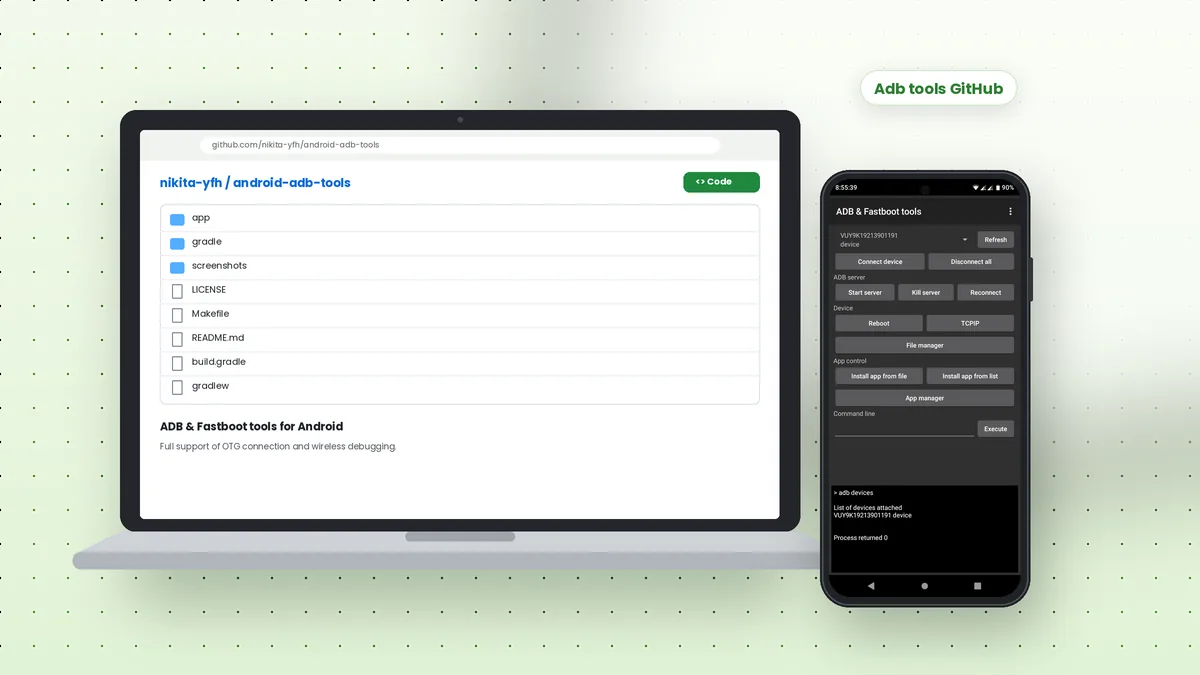 Adb Tools GitHub: Android ADB and Fastboot App Overview
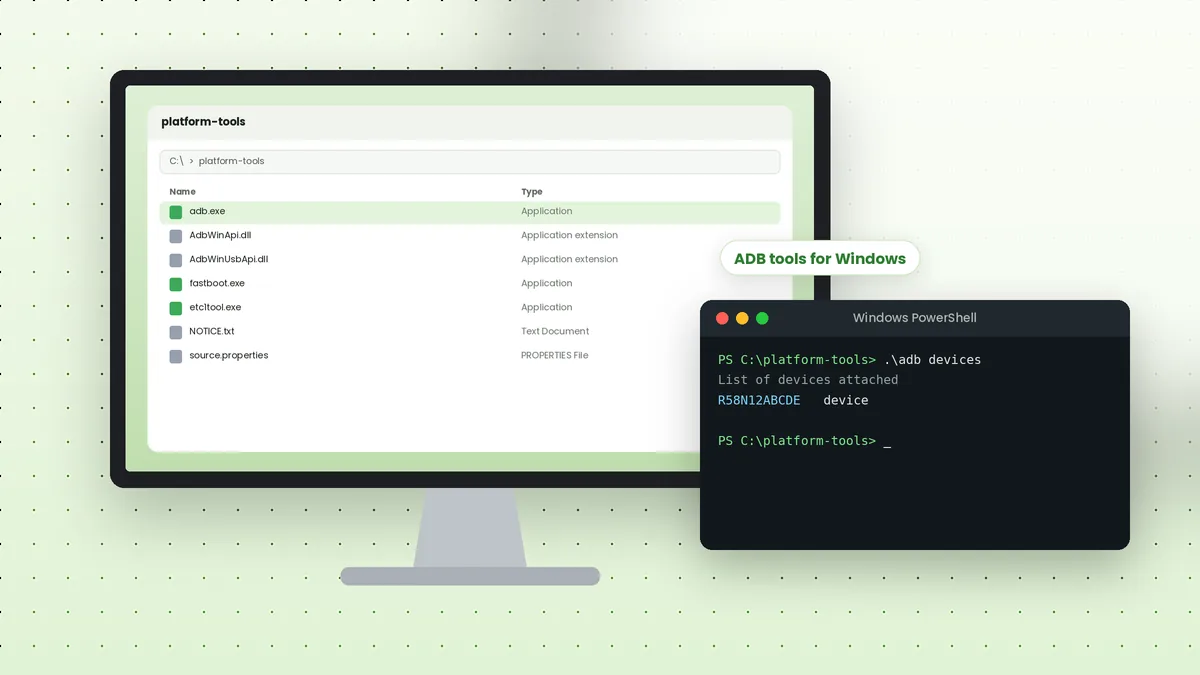 ADB Tools Download for Windows: Complete Setup Walkthrough
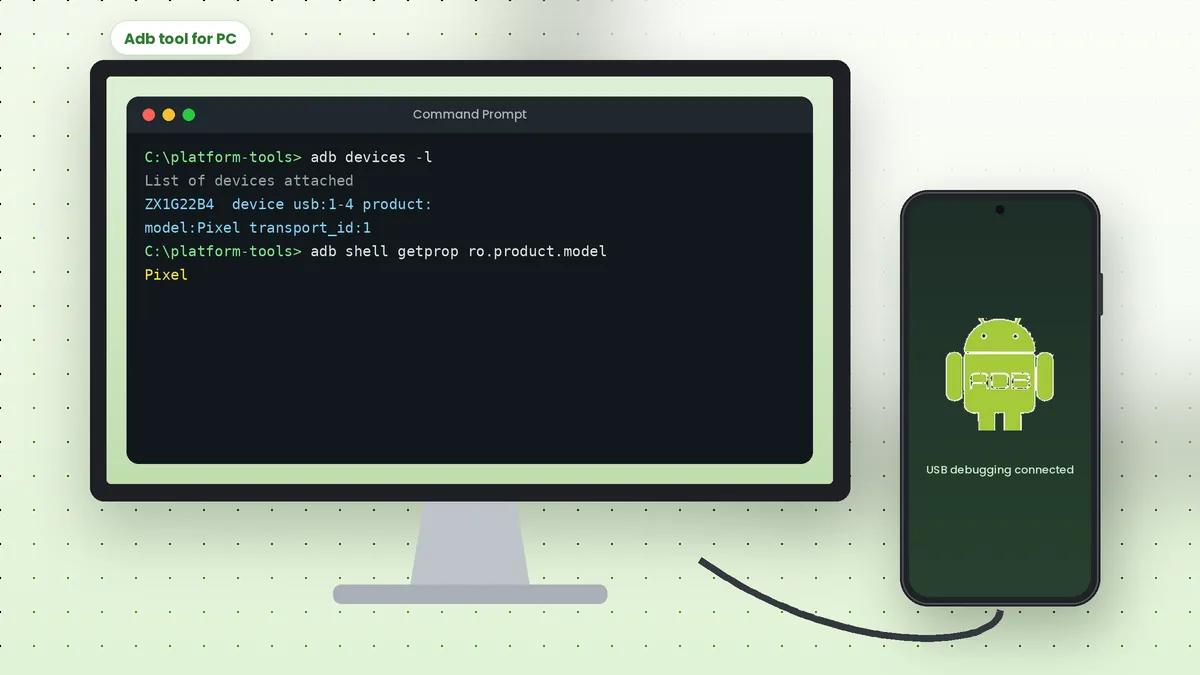 Adb Tool for PC: Connect Your Android Phone to a Computer