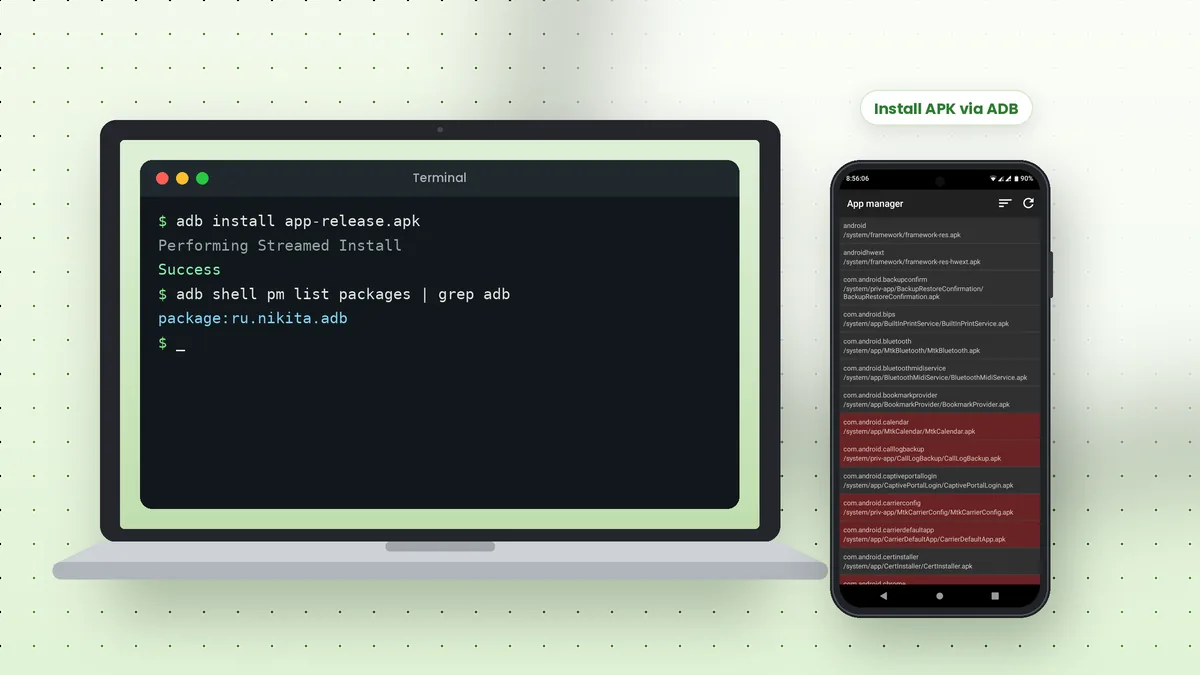
Adb tool APK installation is one of the fastest ways to put an app on an Android phone from a computer. A single adb install command copies the package, installs it and reports success or a clear error message, without tapping through file managers or browser downloads on the phone itself.
What You Need First
Make sure ADB already sees your phone. If you have not set it up yet, follow our ADB tool for PC article and come back once adb devices lists your phone as device.
- Platform-tools installed on your computer
- USB debugging enabled and the computer authorised
- The APK file saved somewhere easy to reach, such as your Desktop
Install an APK with One Command
Open a terminal in the folder that holds the APK, or type the full path to the file. ADB streams the package to the phone and installs it in one step.
adb install app-release.apk
When it works, you see "Performing Streamed Install" followed by "Success". The app icon appears in the launcher straight away. No "Install unknown apps" permission is needed, because the install comes through ADB rather than a phone app.
Useful Install Flags
Several options change how the install behaves. They save time during testing or when updating an app you already have.
| Flag | Purpose |
|---|---|
| -r | Reinstall an existing app and keep its data |
| -d | Allow a version downgrade (mainly for debuggable apps) |
| -g | Grant all runtime permissions listed in the manifest |
| -t | Allow test APKs to install |
You can combine flags, for example adb install -r -g app.apk, to update an app and grant its permissions in one go.
Install Split APKs and App Bundles
Some apps ship as several APK files, such as a base file plus configuration splits for screen density or language. Install them together with install-multiple, listing every file in one command.
adb install-multiple base.apk split_config.arm64_v8a.apk split_config.en.apk
A single file in AAB format cannot be installed directly with ADB. It must first be converted into APKs with a tool such as Google's bundletool.
Install on a Specific Device
With more than one phone or emulator connected, ADB refuses to guess. Check the serial numbers and pass the one you want with the -s option.
adb devices
adb -s R58N12ABCDE install app.apk
Uninstall or Check an Installed App
Removing an app needs its package name, not the APK file name. List packages to find it, then uninstall.
adb shell pm list packages | grep example
adb uninstall com.example.app
Adding -k to the uninstall command keeps the app's data and cache, which helps when reinstalling a test build.
Common APK Install Errors
Clear error codes make most failures easy to fix. These come up most often.
INSTALL_FAILED_VERSION_DOWNGRADE: a newer version is installed; uninstall it or use-dwhere allowedINSTALL_FAILED_UPDATE_INCOMPATIBLE: the installed copy has a different signature; uninstall it firstINSTALL_FAILED_INSUFFICIENT_STORAGE: free up space on the phoneINSTALL_FAILED_NO_MATCHING_ABIS: the APK was built for a different processor architectureINSTALL_PARSE_FAILED_NO_CERTIFICATES: the APK is unsigned or damaged
Only install APK files from sources you trust. ADB skips some on-device prompts, so checking the file's origin is your responsibility.
Installing the ADB & Fastboot Tools App
The android-adb-tools project on GitHub is itself an Android app. If its Releases page offers an APK, the same adb install command puts it on a phone; otherwise, build it with the Gradle command in its README.
Where Your APK Files Come From
An APK is the installable package format for Android apps. Developers produce them from Android Studio or Gradle builds, and many open-source projects publish signed APKs on their GitHub Releases pages.
Whatever the source, keep the file name short and free of spaces. That avoids quoting problems in the terminal and makes commands easier to repeat when testing several builds in a row.
Grant or Revoke Permissions After Installing
Testing an app often means checking how it behaves with and without certain permissions. ADB changes runtime permissions without opening the Settings app.
adb shell pm grant com.example.app android.permission.CAMERA
adb shell pm revoke com.example.app android.permission.CAMERA
Only runtime permissions declared in the app's manifest can be changed this way. The -g flag at install time grants all of them at once, which suits quick functional tests.
Install the Same APK on Several Phones
Teams that test on multiple devices often install one build on each phone in turn. Running the install command once per serial number keeps the process clear and easy to track.
adb -s ZX1G22B4 install -r app.apk
adb -s R58N12ABCDE install -r app.apk
On macOS and Linux, a short shell loop over the output of adb devices can automate this for any number of connected phones.
Checking the Installed Version
After installing, confirming the version prevents confusion when several builds look alike. The package manager's dump output lists version details for any installed app.
adb shell dumpsys package com.example.app | grep versionName
On Windows Command Prompt, replace grep with findstr, which performs the same filtering. If the version shown is older than expected, the install may have failed silently on another connected device, so check which serial you targeted.
Launch the App After Installing
You can also launch the freshly installed app straight from the terminal with the monkey command shown in our ADB commands list, which saves a trip to the launcher during repeated testing.
Installing to an Emulator
The same commands work with Android emulators, which helps when you want to test an APK without risking your own phone. Start the emulator, wait for it to finish booting, then run adb -e install app.apk. The -e option targets the only running emulator, so a connected phone is left untouched during the test.
Conclusion
Adb tool APK installs need one command for most apps, install-multiple for split packages and a package name to remove them again. Flags such as -r and -g make repeated testing much quicker.
Keep our ADB commands list nearby for the shell and package commands that pair well with installing apps.
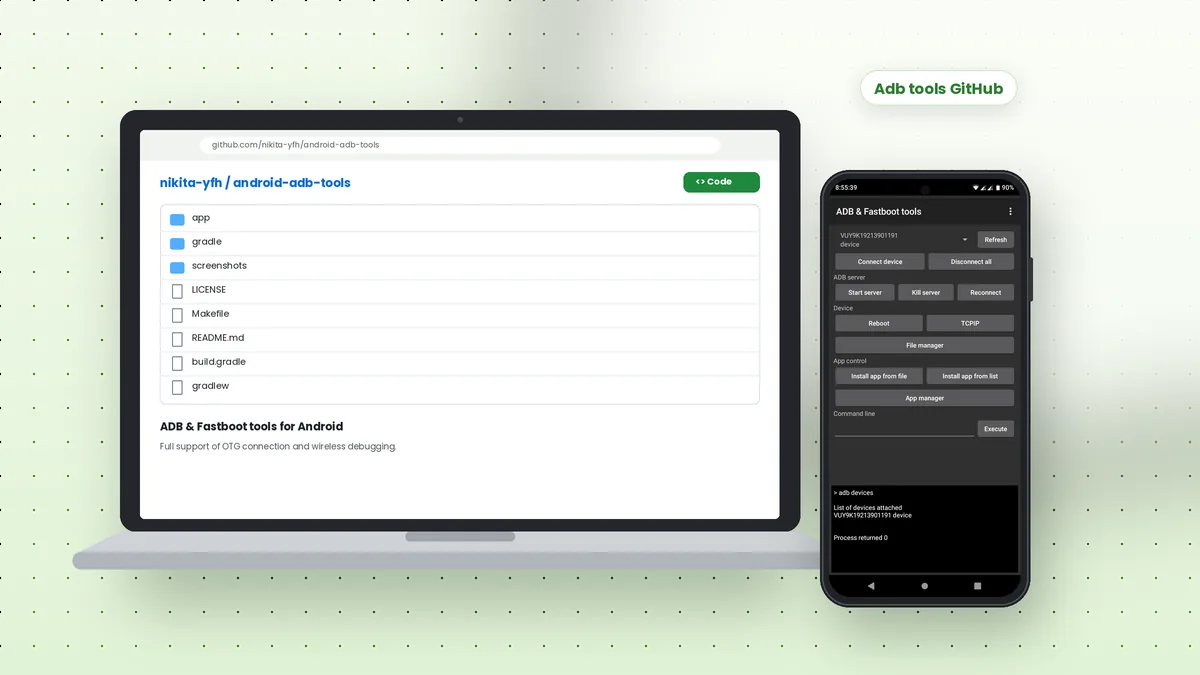 Adb Tools GitHub: Android ADB and Fastboot App Overview
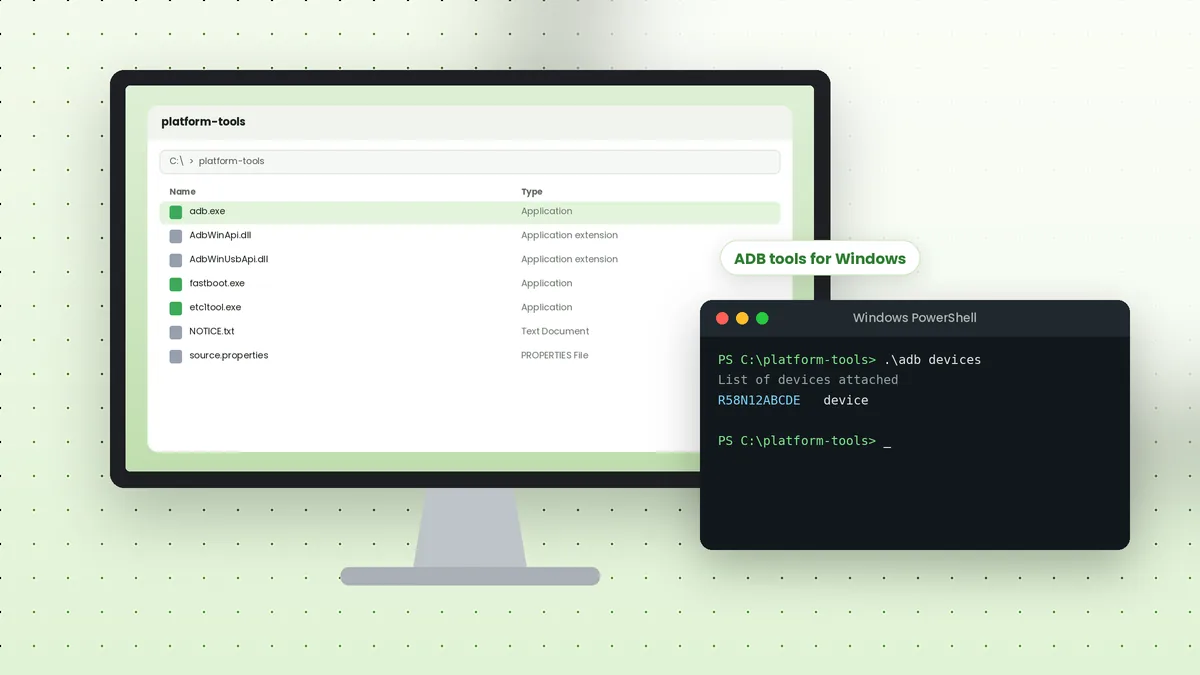 ADB Tools Download for Windows: Complete Setup Walkthrough
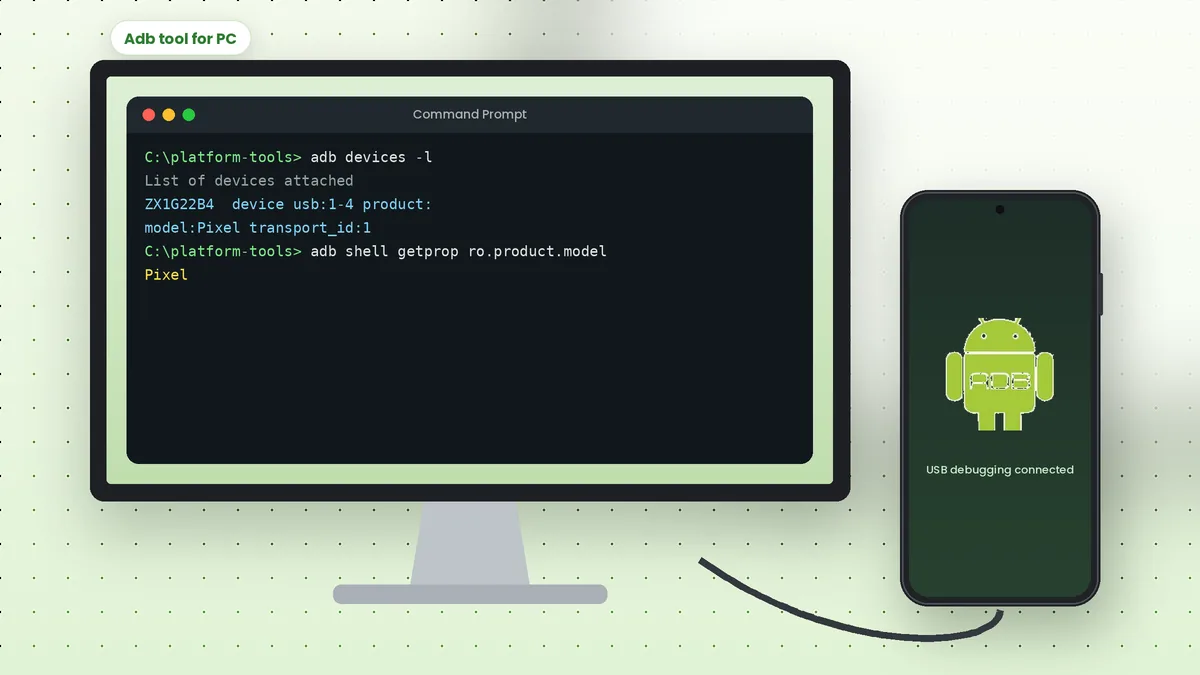 Adb Tool for PC: Connect Your Android Phone to a Computer